Quick Facts
- The Screenshot Rule: Capture a screenshot; if the red line appears in the saved image, you are dealing with a firmware glitch. If the image is clear but the line remains on your screen, it is a hardware failure.
- Repair Costs: Professional phone display repair prices range from approximately $129 for base models to $500 for high-end foldable devices.
- Manufacturer Programs: Samsung and Google offer extended coverage for specific models like the S23 or Pixel 8, allowing for a phone screen replacement under warranty eligibility even after the standard year has passed.
- The 50% Rule: If the estimated samsung phone display repair cost exceeds half the current market value of your device, upgrading to a new phone is usually more economical than fixing it.
- Success Rate: Software-based fixes succeed in less than 15% of red line cases, as the majority of vertical lines stem from physical pressure or internal ribbon connector failure.
To fix red lines on an Android screen, first perform a soft reset or boot the device in safe mode to rule out software issues; if the lines persist, the problem is likely a damaged OLED panel or flex cable requiring professional phone display repair. Determining the root cause through a simple screenshot test can save you hours of troubleshooting a hardware problem that no amount of factory resetting can fix.
| Diagnostic Test | Software Indicator | Hardware Indicator |
|---|---|---|
| Screenshot Test | Line is visible in the gallery | Line is invisible in the gallery |
| Safe Mode Boot | Line disappears in safe mode | Line remains visible |
| Physical Pressure | No change when screen is pressed | Line flickers or changes color |
| Diagnostic Mode (#0#) | Test patterns clear the line | Line persists across all colors |
Software vs. Hardware: The Diagnostic Litmus Test
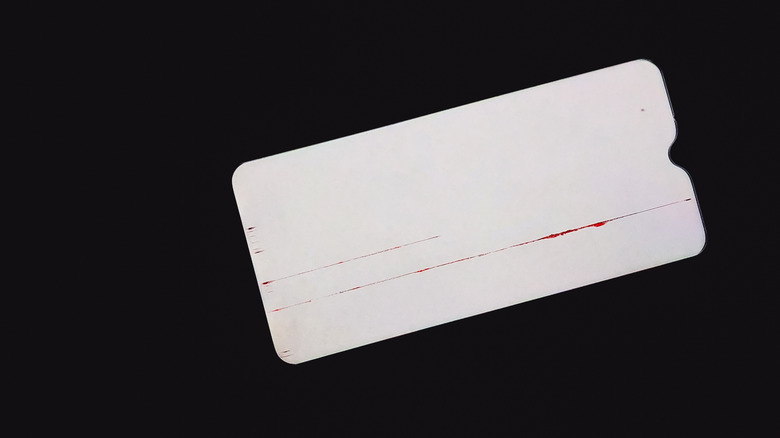
When a piercing red vertical line cuts through your wallpaper, your first instinct might be panic. However, as an editor who has seen thousands of tech queries, I suggest a methodical approach. The most critical step is identifying how to tell if phone screen issue is software or hardware. This distinction determines whether you can fix the problem for free at home or if you need to budget for a professional phone display repair.
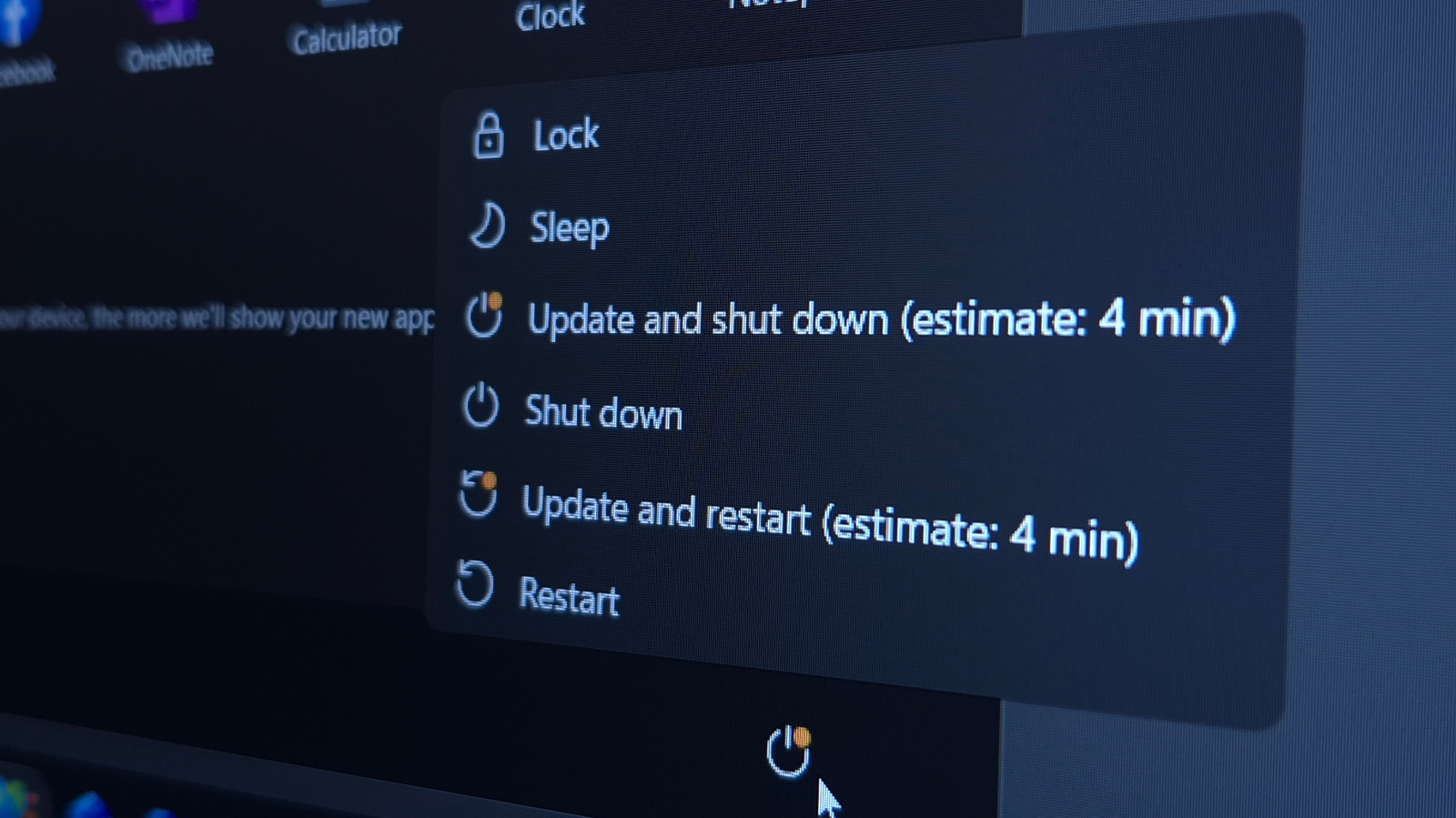
Begin by performing a soft reset. Hold the power button and volume down button simultaneously for about 20 seconds. If the line vanishes during the reboot but reappears later, a firmware glitch is the likely culprit. To dive deeper, you should try testing phone display issues in safe mode. This environment disables all third-party applications. If the red line disappears while in safe mode, one of your recently installed apps is interfering with the display driver.
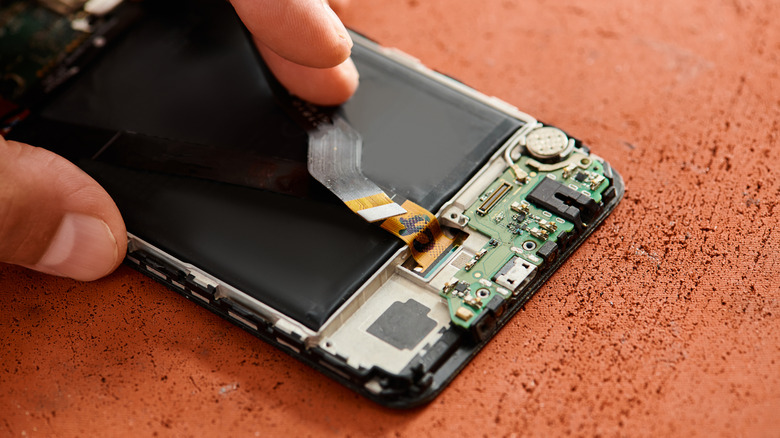
If safe mode does not resolve the issue, Samsung users can access a hidden hardware diagnostic mode by dialing #0# in the phone app. This allows you to test red, green, and blue pixels individually. If the line remains constant across every color test, the failure is physical. Often, this is caused by a loose flex cable—the delicate ribbon that connects the screen to the motherboard. In some niche community circles, users mention a "clapping method" involving gentle pressure near the top of the screen to reseat the ribbon connector, but this is a temporary fix at best and can occasionally damage the digitizer further.
The Warranty Shortcut: Getting a Free Phone Screen Repair
Before you clear your savings for a screen swap, check for manufacturer-specific relief programs. It is a common misconception that all vertical line issues are the user’s fault. In reality, manufacturing defects in the OLED panel bond can lead to these failures without any physical impact. Because of this, several brands have launched initiatives that effectively show you how to fix a broken phone screen for free.
Samsung, for instance, has acknowledged issues with the Galaxy S20, S21, and S23 series. They have historically offered a one-time free replacement for devices experiencing these vertical lines, provided the phone shows no signs of external cracks or water damage. Similarly, the google pixel vertical line repair program provides an extended three-year warranty from the date of purchase specifically for Pixel 8 users facing display defects.
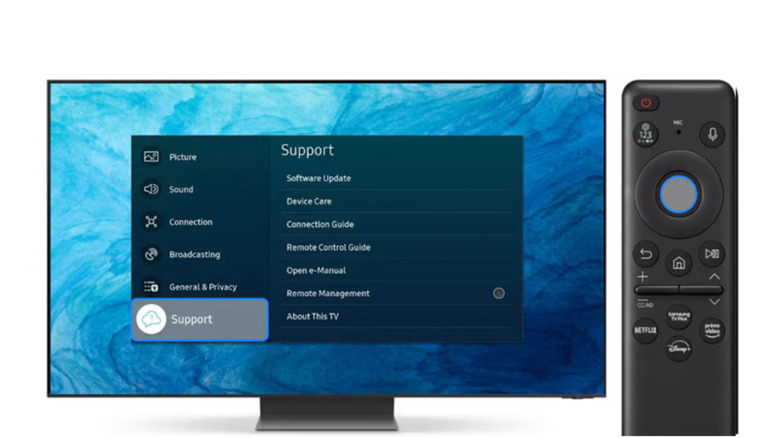
Consumer advocacy is also driving change. According to the Consumer Association of Singapore (CASE), formal complaints regarding vertical lines on smartphone screens more than doubled within a year, rising from 14 cases in 2023 to 31 cases by mid-November 2024. This spike in data suggests that manufacturers are under increasing pressure to provide free repairs for what is clearly a systemic hardware flaw. Always check your serial number against the manufacturer’s support portal to verify your phone screen replacement under warranty eligibility before visiting a shop.
Estimating Phone Display Repair Cost in 2026
If your device falls outside of warranty or has a small crack that voided the free program, you need to understand the financial landscape of phone display repair cost. The price fluctuates based on the technology used in the glass and the difficulty of the labor involved.
A standard samsung phone display repair for a flagship S-series device typically costs between $199 and $319 at an authorized service provider. These shops use genuine replacement parts, which include not just the glass, but the entire display assembly and often a new battery. If you own a foldable device, like a Z Fold or Z Flip, expect the price to climb toward $500 due to the complexity of the flexible OLED panel.
For those looking to save money, third-party repair shops might offer a lower samsung phone display repair cost, sometimes shaving 20% to 30% off the official price. However, be cautious. Many of these shops use aftermarket screens that may have lower brightness levels or less responsive touch sensitivity. I always recommend asking if the shop uses a genuine OLED panel or a cheaper LCD substitute, as the latter will significantly degrade your viewing experience.
Post-Repair Reality: DIY Risks and Technical Longevity
For the adventurous user, the internet is full of guides on how to repair phone display at home using a DIY repair kit. These kits, often found for under $100, include the screen and the plastic picks needed to pry the phone open. While tempting, this path is fraught with risks that could turn a simple red line into a completely dead device.
Modern smartphones are held together with industrial-strength adhesives to maintain their IP water resistance rating. Once you break that factory seal during a home repair, the device is no longer protected against spills or rain. Furthermore, many modern components are "serialized." This means the phone's software is locked to the specific serial number of the original screen. If you replace it yourself without official calibration tools, you might lose features like biometric fingerprint scanning or automatic brightness adjustment.
Warning: Any repair that involves opening the device's chassis will permanently compromise the factory water-resistance seal. Even professional repairs cannot always guarantee the original IP68 rating will be fully restored.
If you find that your device is more than three years old and the repair quote is high, it might be time to accept that the red line is a sign of the end. With the rapid advancement of mobile processors, spending $300 to fix an aging phone often makes less sense than putting that money toward a modern mid-range device that will receive security updates for years to come.
FAQ
Is display replacement worth it?
Whether a phone display repair is worth it depends largely on the age of the device and the cost of the parts. Using the 50% rule, if the repair exceeds half the phone's current trade-in value, it is usually better to upgrade. However, for a flagship phone less than two years old, a professional screen replacement can extend the device's life significantly for a fraction of the cost of a new model.
Which phone is safest from hackers?
Phones that receive the most frequent and longest-term security updates are generally the safest. Specifically, the Google Pixel and Samsung Galaxy flagship lines are considered industry leaders because they provide up to seven years of guaranteed security patches. Additionally, iPhones are often cited for their closed-ecosystem security, although no device is entirely immune to targeted attacks.
What is the most hacked phone?
Statistically, Android devices see a higher volume of malware attempts because of their open-source nature and the ability to side-load apps from unofficial sources. However, "hacked" often refers to user error, such as falling for phishing links. Older phones that no longer receive security updates from their manufacturers are the most vulnerable, regardless of the brand.
How far away should your phone be when you sleep?
While there is no definitive medical consensus on radiation risks, sleep experts recommend keeping your phone at least three to five feet away from your bed. This is less about signal interference and more about psychological health; having the phone out of arm's reach prevents late-night scrolling and ensures that the blue light from the screen doesn't disrupt your circadian rhythm.
Final Recommendation
Dealing with a red line on your Android screen is a test of patience, but it doesn't always have to be a test of your wallet. Start with the free software diagnostics and the screenshot test to confirm the failure type. If you determine it is hardware, your next step should always be checking the official manufacturer portal for a service campaign. You might just qualify for a free fix, saving you hundreds on a professional phone display repair.